开启python3自带的web服务器---制作自己的文件服务器
·
开启python自带的web服务器
python2.x:
python -m CGIHTTPServer 8082
python3.x:
python -m http.server --cgi 8082
案例
[root@WzcWyt test]# cd

# 1.先进入要进行访问的文件目录下
[root@WzcWyt ~]# cd wyt/test/
# 在必应搜索python
[root@WzcWyt test]# curl -s https://cn.bing.com/search?q=python > 2.html
[root@WzcWyt test]# ll
total 836
-rw-r--r-- 1 root root 387235 Sep  2 17:48 1.html
-rw-r--r-- 1 root root 446565 Sep  3 09:43 2.html
-rw-r--r-- 1 root root     21 Sep  2 14:01 biying.keyworld
-rwxr-xr-x 1 root root     19 Sep  2 10:53 hell_shell.sh
-rwxr-xr-x 1 root root    287 Sep  2 15:07 test1.sh
-rwxr-xr-x 1 root root    221 Sep  2 15:18 test2.sh
[root@WzcWyt test]#

# 2.开启web服务
[root@WzcWyt test]# python -m http.server --cgi 8082
Serving HTTP on 0.0.0.0 port 8082 (http://0.0.0.0:8082/) ...
访问地址:http://0.0.0.0:8082/
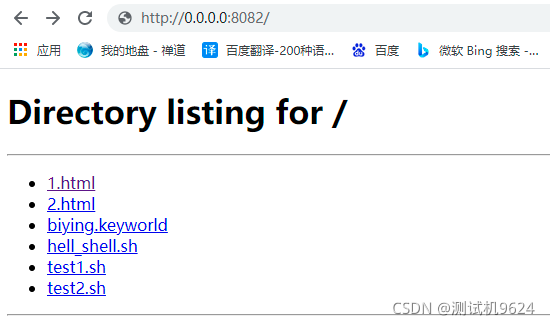
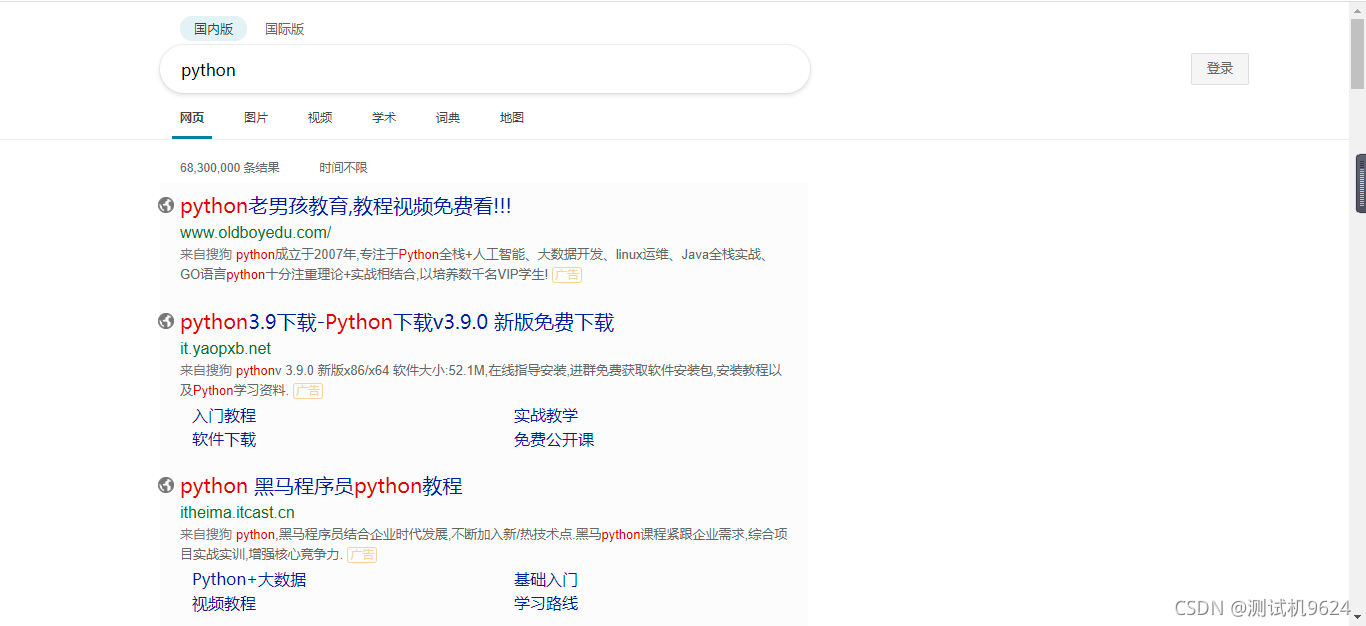
点击2.html,查看下载下来的源码页面

CSDN联合极客时间,共同打造面向开发者的精品内容学习社区,助力成长!
更多推荐


 0
0 0
0- 0


 已为社区贡献2条内容

所有评论(0)